Followers on LinkedIn (Spoiler: The Number Isn't the Point)

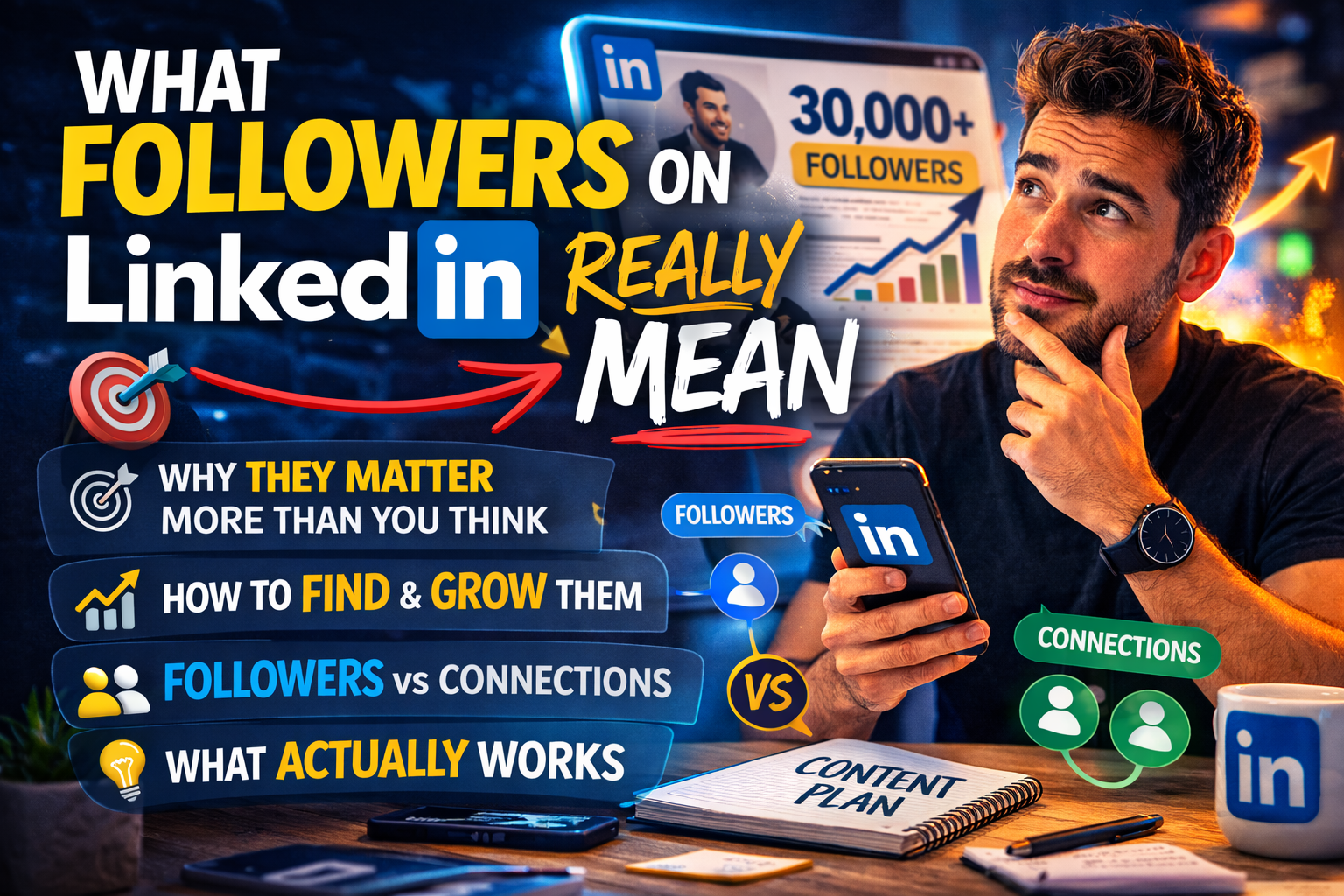
Your LinkedIn follower count is either the number you obsess over or the number you've never looked up.
Either way, most people don't really know what followers on LinkedIn are.
How they differ from connections, or why the distinction matters for how your content gets distributed.
I've built an audience past 30,000 followers on LinkedIn.
The thing nobody tells you early on is that the number itself isn't the point.
What followers represent (opted-in reach, content authority, algorithmic signal) is what matters.
And once you understand that, you start making different decisions about everything from what you post to how you set up your profile.
In this guide I'll cover what LinkedIn followers are, how to find yours, what separates followers from connections, and what genuinely grows the number without turning your profile into a content machine nobody asked for.
What Does It Mean to Have Followers on LinkedIn?
Followers on LinkedIn are people who see your public posts in their feed without being connected to you.
They didn't send a connection request.
They didn't wait for you to accept.
They just decided your content was worth showing up for.
That's a meaningfully different relationship than a connection.
A connection is mutual.
You both agreed to it, you can message each other directly, and LinkedIn shows you each other's activity.
A follower relationship is one-directional.
They follow you.
You don't automatically follow them back.
They see your posts.
You might never know they exist until one of them comments something useful on a post at 11pm on a Wednesday.
The practical implication is connections are your network, followers are your audience.
You can have 500 connections and 12,000 followers, which means 11,500 people are reading your content without being in your professional circle at all.
LinkedIn caps connections at 30,000 anyway.
Followers are uncapped.
Which means follower count is the more useful signal of content reach, and the number worth paying attention to as your LinkedIn presence grows.
For more on what metrics matter for your content performance, our guide to free LinkedIn analytics tools breaks down what to track and what to ignore.
Where Can I See My Followers on LinkedIn?
Your follower data is in the analytics section of your profile, not in your connections list, which is where most people look first and come up empty.
On desktop: Go to your LinkedIn profile, scroll down to the analytics section, and click "Followers."
You'll see your total follower count, a graph of new followers over time, and demographic breakdowns by industry, job title, and location.
That demographic data is worth checking occasionally.
If you're trying to reach founders and your followers are mostly students, that's useful information.
On mobile: Tap your profile photo in the top left to open the Me menu, navigate to your profile, scroll to analytics, and tap Followers. Same data, slightly more compressed.
On a company page: Follower data lives in the page analytics dashboard. Navigate to your page, click Analytics in the top menu, then Followers. You'll need admin or editor access to see this.
According to LinkedIn's official help documentation, follower analytics update daily, so don't panic if yesterday's numbers aren't showing yet.
The most common reason people can't find their followers is that they're looking at their connections list, which shows something entirely different.
Wrong tab, right intention.
The analytics section is what you want.
What Is the Difference Between Connections and Followers on LinkedIn?
Connections are mutual.
Followers are not.
That's the core of it, but the implications are worth understanding.
When you connect with someone on LinkedIn, you both agree to it.
You can see each other's activity, send direct messages, and LinkedIn treats you as part of each other's professional network.
When someone follows you, they make a unilateral decision.
No request, no approval, no relationship requirement.
They just want your content.
This is why accounts with Creator Mode enabled show a Follow button prominently on their profile instead of Connect.
It lowers the barrier.
Someone who finds your content valuable doesn't have to commit to a mutual professional relationship just to see more of it.
They follow, LinkedIn adds them to your audience, your posts reach them.
Clean and simple.
When someone sends a connection request and you accept, they automatically become a follower too.
So your follower count is always at least as large as your connection count, usually larger.
How Do You Get More Followers on LinkedIn?
Three things move the number, none of which require a growth hack or a Chrome extension that's quietly violating LinkedIn's Terms of Service.
Post content worth following for:
This is the obvious one that everyone says and almost nobody does well.
Followers accumulate when someone reads a post and thinks "I want more of this", not "this was fine."
That requires a point of view, a voice that sounds like a person rather than a content calendar, and topics that your target audience cares about enough to come back for.
Is short, if you're writing posts you'd scroll past yourself, so will everyone else.
Comment on other people's content genuinely:
Your comment appears on posts your target followers are already reading.
If it's smart and specific and adds something to the conversation, people click through to your profile.
If your profile gives them a reason to follow you, they follow.
This is the most underused tactic in LinkedIn growth because it requires actual thought on someone else's content rather than just publishing your own.
It also costs nothing, which somehow makes people trust it less.
Make your profile worth landing on:
Someone reads your post, clicks through, and has about seven seconds to decide whether you're worth following.
A generic headline and an About section written for a 2019 job application won't convert them.
Your profile needs to communicate immediately what you write about and why following you is worth it.
What doesn't work:
- Mass connection requests
- Automation tools
- Engagement pods that leave "Great insights! 🔥" on posts from accounts with stock photo avatars
These inflate your follower count with people who have zero interest in your content, which tanks your engagement rate and tells the algorithm your posts aren't worth distributing.
You end up with more followers and less reach, which is the worst possible trade.
The Follower Count That Means Something
A thousand engaged followers in your niche will do more for your LinkedIn presence than ten thousand random follows accumulated through tactics that have already forgotten why they followed you.
The number matters less than what it represents.
Build the content, show up in the right comment sections, and make your profile worth landing on.
The followers on LinkedIn worth having will find you, and they'll stick around because they opted in, not because an algorithm nudged them into it.
If you want a tool that handles the scheduling and workflow side so you can stay focused on the content, OmniCreator is worth trying.
Seven days free, no credit card required.