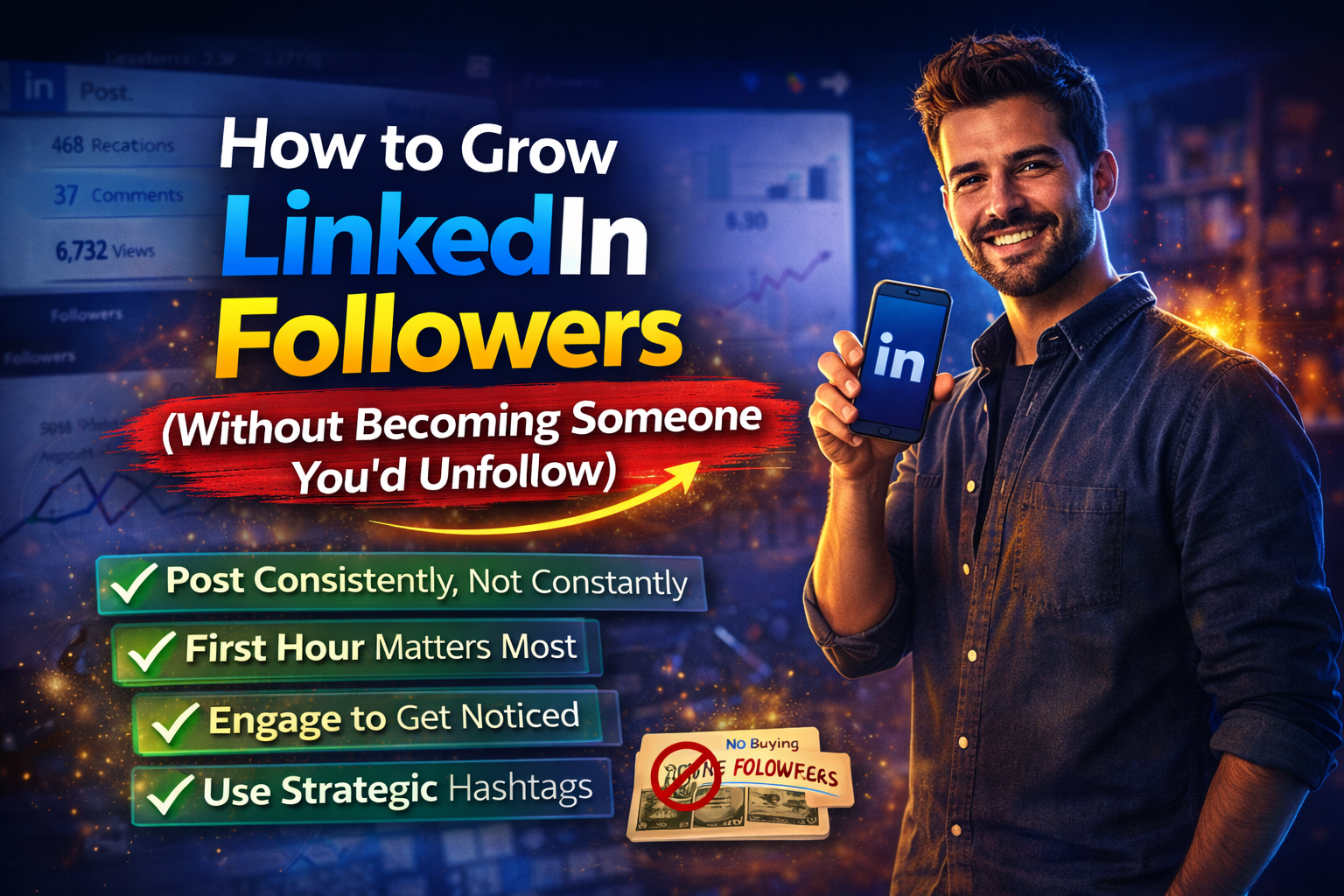
How to Grow LinkedIn Followers (Without Becoming Someone You'd Unfollow)

You've been posting for three months.
You're getting a few likes.
Occasional comments from your coworkers.
And your mom reliably reacts with a heart emoji to everything you share.
Your follower count has moved approximately nowhere.
Meanwhile someone in your industry who started posting six weeks after you now has 4,000 followers and seems to get 200 comments on posts that, honestly, you could have written.
This is a deeply unpleasant experience.
I know because I've been there.
I'm Omar, co-founder of OmniCreator and someone who grew my LinkedIn following past 30,000.
Not through viral luck or cringe morning routine posts.
But through a system that's repeatable.
Let me share what works, what doesn't, and what I wish someone had told me in year one.
Why Most Advice About How to Grow LinkedIn Followers Is Wrong
Before getting into the tactics, one pattern worth identifying.
Most LinkedIn growth advice is written by people who grew their following in 2019.
That’s when the platform was less competitive and the algorithm was more forgiving.
The advice that still gets recycled in 2026:
Post every day, use 30 hashtags, join engagement pods, comment "great post!" on everyone's content is either outdated, actively harmful, or both.
LinkedIn's algorithm has changed substantially.
It now deprioritizes low-quality engagement (including generic comments and bot activity).
Penalizes accounts that use Chrome extensions for automation.
And increasingly rewards content that sparks genuine conversation rather than passive reactions.
Which is good news for people who want to grow without becoming someone they'd unfollow.
The First 30–60 Minutes Decide Everything
LinkedIn distributes content in waves.
When you post, it shows your content to a small initial audience, typically your closest connections and most active followers.
If that group engages meaningfully within the first hour, the algorithm interprets the post as high-quality and extends distribution.
If it doesn't, the post quietly disappears.
This means the difference between 300 impressions and 30,000 impressions is often determined in the first hour, before most people have even seen the post.
The practical implication is post when your audience is online.
Generally 7–9 AM and 12–2 PM on weekdays.
Then stay present for that first hour to respond to every comment:
- Which triggers a notification for the commenter
- Which often pulls them back for a second response
- Which extends the post's reach further.
None of this requires engagement pods or automation.
It requires posting at a sensible time and being available when your post goes live.
The Tactics That Move Follower Counts
Post with a perspective, not just information.
The most common reason posts get ignored isn't poor writing.
It's that they don't have a point of view.
"Here are 5 LinkedIn tips" is information.
"Here's why most LinkedIn tips are making you worse at LinkedIn" is a perspective.
Perspectives generate responses.
Responses generate reach.
Reach generates followers.
Engage before you post.
Spend 15–20 minutes commenting substantively on other people's posts before you publish your own.
When you do, two things happen:
- Your activity signals to LinkedIn that you're an active user (which gets your content prioritized).
- Your name appears in the notification feeds of people whose posts you've commented on. Some of those people will click your profile. Some will follow you.
Generic comments ("Great insights! 🔥") accomplish neither of these things.
Comments that add something:
- A counterpoint
- A related experience,
- A question that extends the conversation, do both
The hashtag mistake almost everyone makes.
For two years I used #marketing and #leadership on most of my posts.
These hashtags have tens of millions of followers.
My posts got buried under hundreds of others posted in the same minute.
The framework that works:
- One large hashtag (millions of followers)
- One medium hashtag (hundreds of thousands)
- One specific hashtag (tens of thousands)
- One niche hashtag (under 10,000).
The large hashtag gives you exposure.
The niche hashtag puts you in front of exactly the right people.
OmniCreator's hashtag tool shows follower counts for hundreds of hashtags so you can calibrate this without guessing.
It's one of those features that sounds minor until you realize you've been doing hashtags wrong for two years.
Optimize your profile to convert visitors into followers.
Every post that performs well sends traffic to your profile.
If that profile doesn't convert visitors into followers, you're losing growth every time you have a good post.
Make sure your headline explains what you write about, not just your job title.
Configure the Follow button (Settings → Visibility → Followers → "Make follow primary") so visitors can follow you with one tap instead of navigating a connection request.
How to Get Your First 1,000 Followers vs. 10,000
The path from 0 to 1,000 and from 1,000 to 10,000 look different, and conflating them is where most people get frustrated.
0 to 1,000: This stage is about establishing your posting pattern and getting discovered within your existing network.
Connect with people you know: former colleagues, classmates, people you've met professionally.
These connections are more likely to engage with early posts, which trains the algorithm.
Post 2–3 times per week on specific topics rather than everything.
Consistency over range.
If you're starting from scratch, our LinkedIn tips for beginners covers the foundation.
1,000 to 10,000: At this stage, the algorithm starts working for you instead of against you.
Your content reaches beyond your immediate network when it performs well.
The lever here is depth of engagement.
Posts that generate genuine comment conversations, not passive likes, get extended to new audiences.
This is also when posting about slightly uncomfortable opinions in your field starts paying off.
Safe content doesn't travel at this stage.
The Consistency Problem (And Why Most People Give Up)
The real reason most people stall between 200 and 800 followers is that they post in bursts.
When motivated, disappear when busy, then restart with an "I'm back" post that gets seven likes, get discouraged, and repeat the cycle.
LinkedIn's algorithm has no sympathy for this.
It rewards accounts that show up predictably.
When you disappear for three weeks, your first post back underperforms regardless of quality.
The algorithm has to relearn your posting pattern before it trusts you with distribution again.
The fix isn't willpower.
It's removing the daily decision of "what do I post today?" by batch-creating content when you have ideas and scheduling it out across the week.
I batch-create on Sunday evenings.
Write three or four posts, schedule them for Tuesday, Wednesday, and Thursday mornings, and don't think about LinkedIn again until I have new ideas.
OmniCreator's scheduling calendar makes this straightforward.
You can see your whole week at a glance, drag posts around, and leave yourself holes where you'll want to post something timely.
The media library stores every image and asset I've ever published.
Which means when I want to reference or repurpose a post from eight months ago, I can find it in about ten seconds instead of twenty minutes of profile scrolling.
The ChatGPT integration interviews me about my ideas:
- Asks follow-up questions
- Pulls out specific examples
Then it turns that conversation into a post that sounds like me instead of like every other AI-generated LinkedIn post that starts with "I'm excited to share."
All of this for $19 a month, which is $180 less than what some tools charge for features that sound impressive and get used approximately never.
Seven-day free trial. No credit card required. No pressure tactic disguised as urgency.