
How to Write a LinkedIn Post That Doesn't Sound Like Everyone Else

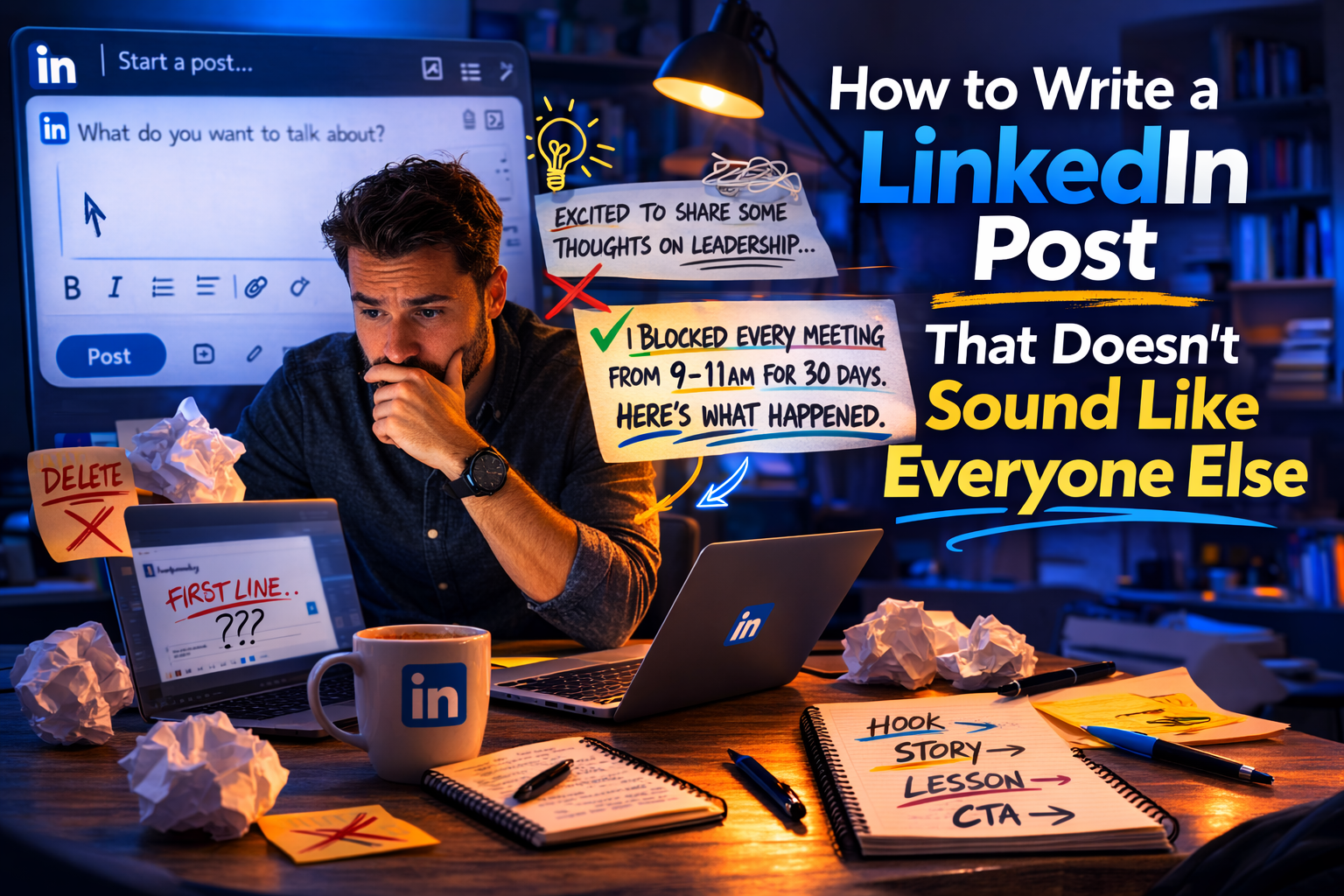
You open LinkedIn.
You stare at the post composer.
You type something, delete it.
Type something else.
Decide it's terrible. Close the tab.
Twenty minutes later, you've produced exactly zero words...
...and a mild existential crisis about whether you have anything interesting to say.
I'm Omar, founder of OmniCreator. I've posted on LinkedIn consistently for years, built a following past 30,000, and I still get this feeling sometimes.
The difference now is that I have a system that works, and it's a lot simpler than the LinkedIn coaching industry wants you to believe.
Why Most LinkedIn Posts Fail Before Anyone Reads Them
Before getting into how to write a LinkedIn post that works, let's talk about why most don't.
LinkedIn truncates posts after two or three lines, hiding the rest behind a "see more" button.
That means your entire post's fate is decided by your opening sentence.
If it doesn't earn the click, nobody reads the rest of it no matter how good the rest is.
Most people open with a throat-clearing sentence.
Something like:
"I've been thinking a lot about leadership lately..."
"As a marketing professional with 10 years of experience..."
"Excited to share some thoughts on productivity!"
These are the equivalent of starting a presentation with:
"So, um, hi everyone, I'm really excited to be here today."
The audience is already reaching for their phones.
The fix isn't complicated.
Your first line needs to either create tension, make a claim, or drop the reader into a specific moment.
Something that makes stopping feel like the more interesting choice.
The Simplest Structure for a LinkedIn Post That Works
You don't need a formula.
You need a shape.
Line 1: Make a claim, name a problem, or start in the middle of a specific moment. No preamble.
Lines 2–5: Back it up. This is where you explain, expand, or tell the story. Short paragraphs. One idea per paragraph. White space is your friend.
Lines 6–10: Get to the point. What's the lesson, the opinion, the thing you actually want them to walk away with? Say it directly.
Last line: Optional. A question works if it's genuine. A statement works if it's sharp. "What are your thoughts?" from a stranger on the internet works for nobody.
That's it.
Four sections. The posts that generate real engagement are almost always this simple. They just feel considered because the idea behind them is specific enough to be interesting.
What Should You Actually Write About?
This is where people get stuck, and the advice to "write about what you know" is technically correct but unhelpfully vague.
Here are three sources that consistently produce LinkedIn posts worth reading:
- Something that surprised you recently:
- A lesson from a client call that contradicted what you expected.
- A decision you made that looked wrong but worked.
- A belief you held for years that you changed your mind about.
Specificity is the whole point.
- Something you disagree with:
Not manufactured controversy but a genuine counterpoint to conventional wisdom in your field.
"Everyone says X, but here's what I actually see when I look at the data."
This is uncomfortable to write and usually performs well precisely because of that.
- Something you figured out the hard way:
Not the sanitized version of the lesson but the actual story of what went wrong first.
The most engaging LinkedIn posts I've ever written were the ones I was most nervous about hitting publish on.
Notice what's absent from that list:
- Generic tips
- Recycled statistics
- Motivational quotes
- And anything that could have been written by anyone in your industry about any topic.
LinkedIn is full of that. The platform doesn't need more of it.
How to Write a LinkedIn Post When You Have No Idea Where to Start
The blank page problem is almost never a creativity problem.
The blank page problem is almost never a creativity problem. If you need a faster way in, these ChatGPT prompts for LinkedIn content can get you unstuck in minutes.
It's a structure problem, and the fix is to stop trying to write and start trying to talk.
You can explain almost anything clearly when you're speaking.
The same person who stares at a blank screen for twenty minutes will fluently explain their take on something for ten minutes if someone asks them the right questions.
This is why I built OmniCreator's Starlog feature the way we did.
Instead of asking you to generate a post from scratch, it interviews you.
It will ask follow-up questions about what you're trying to say, what happened, why it matters, and then turn that conversation into a post. In your voice, not the voice of whatever generic AI is trained on a million LinkedIn posts that all sound identical.
The difference looks like this:
❌ "I'm excited to share 5 lessons I learned about productivity this quarter! 🚀"
✅ "I blocked every calendar invite from 9am-11am for thirty days to see what would happen. Here's what I noticed by week two."
One sounds like AI wrote it. The other sounds like a human had a specific experience and wanted to tell someone about it.
A Few Formatting Things That Matter
Knowing how to write a LinkedIn post means knowing that formatting does more work than most people give it credit for.
- Paragraph length: Two to three sentences maximum. Mobile users, which is most LinkedIn users, experience walls of text as effort. Break it up.
- Line breaks: Use them aggressively. A single strong line sitting alone on the screen gets read. The same line buried in a paragraph gets skipped.
- Ending: Don't trail off. End with something definitive a hard conclusion, a direct question, or a single line that could stand alone as a statement. Weak endings make readers feel like they waited for a point that never arrived.
- Length: LinkedIn posts between 900–1,200 characters tend to perform consistently. Long enough to say something real, short enough to respect that the person reading it has a job.
Answers to the Questions Everyone's Actually Googling
What should I write in my first LinkedIn post?
Introduce yourself without making it a resume.
The format that consistently works:
One specific thing you've learned doing your work, why it surprised you, and what you'd tell someone earlier in your career.
That's it.
Don't announce that you're "excited to start sharing content on LinkedIn".
Just start.
How do I write a LinkedIn post about an accomplishment?
Lead with the context, not the win.
"We hit 200% of quota this quarter" is a brag.
"We almost lost our biggest client in March. Here's what happened and what we did next" is a story.
Lead with the tension, end with the result.
Let the accomplishment speak without announcing it.
How do I write a LinkedIn post about a project or event?
Same principle:
Don't describe the project but share what you learned doing it, what went wrong, or what surprised you.
"I presented at X conference" is information.
"I bombed my first slide at X conference and salvaged it by doing Y" is something worth reading.
The Consistency Problem (And the Real Fix)
Writing one good LinkedIn post is manageable.
Writing consistently over months without burning out is where almost everyone falls apart.
The posts I'm most proud of weren't written in one sitting.
They were drafted when I had energy, scheduled when it made sense, and refined before they went out.
OmniCreator's scheduling calendar means I can write five posts on a Sunday and not think about it again until the following week.
$20 a month. Unlimited scheduling. A media library that keeps every image and post asset you've ever used.
The Starlog interview feature for when your brain goes offline.
A community of real LinkedIn users who engage with each other's content genuinely.
No credit card required for the trial. No sales call. No limited-time pressure.