
How to Edit a LinkedIn Post Without Killing Your Reach

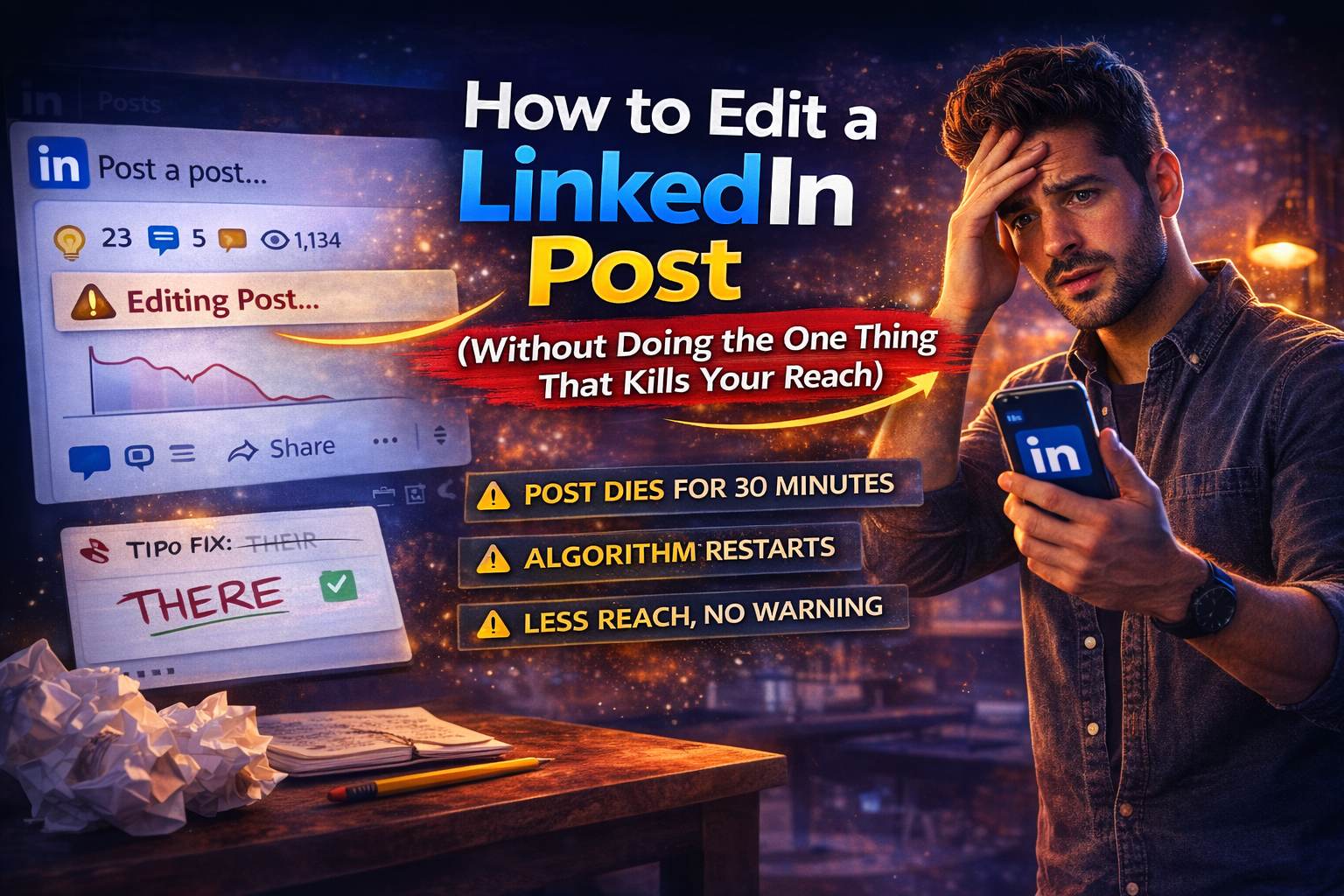
You published a LinkedIn post, read it back in the feed.
Ten seconds later... and immediately wanted to change something.
The hook felt weaker than it did in the editor.
Or the formatting broke on mobile.
Or you just used "their" instead of "there" in a post about professional credibility.
The instinct is immediate: fix it before anyone notices.
That instinct is the problem.
When you go back to edit a LinkedIn post after engagement has already started, you're not just correcting a word.
You're asking the algorithm to re-evaluate content it was already in the process of distributing.
Impressions stall.
Momentum evaporates.
The post does maybe a third of what it was on track for, and you have no idea why, because technically you just made a small fix.
The edit button looks innocent.
LinkedIn doesn't warn you.
The instinct to fix something the second you notice it is completely natural.
But on LinkedIn, acting on that instinct mid-distribution can cost you more reach than the original mistake ever would have.
Let's get into all of it.
Why the Algorithm Treats Your Edit Like a Brand New Post
LinkedIn's feed algorithm makes fast decisions.
In the first 30-60 minutes after you post, it watches early engagement signals:
Likes, comments, shares, dwell time, and use those signals to decide how widely to push the content.
A post that gets strong early engagement gets shown to more people.
A post that gets nothing gets quietly buried.
When you edit a post after that process has started, the algorithm treats the new version as content requiring fresh evaluation.
Edit in the first minute or two before any engagement and you're completely fine.
The post hasn't entered active distribution yet.
Nothing to disrupt.
Once those first likes come in, everything changes.
What the LinkedIn Algorithm Measures (And Why Edits Upset It)
Most people treat the LinkedIn algorithm like a black box.
It's not quite that mysterious.
It's just running a straightforward test you keep accidentally failing.
When you post, the content gets shown to a small initial audience.
Usually your most engaged connections.
If that group responds well, distribution expands to a wider audience.
Then wider again.
Each stage depends on signals from the previous one.
This is why early engagement matters so much.
A post that gets five comments in the first twenty minutes will outperform a post that gets fifty comments spread over two days.
A smart comments strategy is one of the most underused ways to trigger that early momentum.
LinkedIn interprets concentrated early engagement as a signal that the content is worth pushing broadly.
When you edit a post mid-distribution, you're interrupting that staged process.
The algorithm isn't sure whether the new version is the same content or something different, so it hedges, pausing distribution and reassessing from scratch.
By the time it resumes, the momentum window has often closed.
Which also explains why some edits hurt more than others.
A post in its first distribution stage, with a handful of likes, loses less momentum from an edit than one that's already made it to the second or third stage with strong engagement.
The higher the trajectory, the more an edit can cost.
Nobody Gets Notified (But the Algorithm Absolutely Does)
Connections and followers don't receive a notification when you edit a post.
There's no "edited" badge on LinkedIn.
From the audience's perspective, nothing visibly changed.
The audience not noticing and the algorithm not noticing are two completely different things.
One is blissfully unaware.
The other is running a fresh assessment that could quietly affect how many people ever see the post.
Do people get notified when you edit a LinkedIn post?
No.
Does it matter anyway?
Yes.
Just not for the reason most people worry about.
The "Should I Actually Edit This?" Honest Decision Guide
Not every post-publish edit is a disaster. How to think through it:
Caught within 1-2 minutes, zero engagement: Edit it. You're completely fine. The post hasn't entered distribution yet.
Minor fix after a handful of likes: Probably okay. Make the change fast and keep it minimal. The smaller the edit, the less the disruption.
Rewriting a section after significant engagement: Don't. The post is in active distribution. Cringe quietly and take the lesson for next time.
Wrong image or video attached: Delete and repost if it's early with low engagement. If the post has real traction, decide whether the text stands alone without the correct media. Usually it does.
Company page post with no engagement: Edit freely. Low algorithmic stakes when nothing's moving yet.
The cleaner rule: the more a post is already doing, the more aggressively you should leave it alone.
What You Can Edit, What You're Stuck With
Editable after publishing:
- Post text
- Formatting and line breaks
- Links
- Hashtags
Not editable after publishing:
- Images
- Videos
- Documents and carousels
- Poll options once voting has started
The Pre-Publish Habit Most People Skip
Most people proof their posts after publishing.
They write, hit post, read it back in the feed, spot the issue.
At which point it's already live.
Potentially gaining traction.
And the safest move is to leave it and move on.
Proofreading at exactly the wrong moment.
Writing in an editor and reading in the feed are two different experiences.
- The editor is a blank white box.
- The feed is how your audience actually sees it: on mobile, mid-scroll, with the "See more" cutoff hiding everything below line three.
A hook that looks solid in the editor can land flat in that context.
Paragraphs that seem fine on a laptop become walls of text on a phone screen.
The fix is getting that feedback while the post is still a draft.
OmniCreator's Proofread Feature: Catch It Before LinkedIn Does
We built the Proofread feature because watching people go back to linkedin edit a post mid-distribution was painful.
There's a better way to handle it, and it takes about ten seconds.
When you have a draft open in the OmniCreator editor, a Proofread button appears at the top of the screen.
One click away, any time you're writing.
Within a few seconds, the AI reviews your draft and flags specific issues.
Not grammar, not generic writing tips but the stuff that affects performance:
- Is the hook strong enough to survive the "See more" cutoff?
- Are your paragraph lengths holding up on mobile?
- Is there a structural problem that loses readers before they reach the point?
It's trained on what performs on LinkedIn.
No manual rewriting required.
Hit the Optimize button and OmniCreator applies the suggestions automatically.
The post updates in one click, ready to review and publish.
Deleting vs. Editing: When Starting Over Makes Sense
Sometimes a post genuinely needs to come down.
Wrong information, a broken link, something that actively misleads readers.
In those cases, delete, fix it, repost.
Know what you're giving up first.
Deleting removes everything:
- The likes
- The comments
- The shares
- Every bit of social proof the post accumulated.
For minor errors on high-performing posts, the error is almost never as damaging as losing the momentum.
A rough framework:
- Error is in the text, low engagement: Edit it.
- Error is in the text, high engagement: Leave it.
- Error is in the media, low engagement: Delete and repost.
- Error is in the media, high engagement: Leave it unless the error is significant.
- Post contains wrong or harmful information: Delete regardless.
If you delete and repost the corrected version, it starts from zero in the algorithm's eyes.
No engagement history, no distribution head start.
If the original had strong early momentum, that's gone.
Factor that into the decision before you hit delete.
The best time to edit a LinkedIn post is before it goes live.
Get the draft into OmniCreator's Proofread feature, run through the three steps, publish knowing it's actually ready.
The urge to fix something thirty seconds after posting is a solved problem.