
LinkedIn Post Impressions Meaning: What That Number Is (And Isn't) Telling You

Key Takeaways
- LinkedIn post impressions count every time your post appeared on a screen
- Impressions are always higher than Members Reached
- 1,000 impressions is a reasonable baseline for small accounts
- Impressions ≠ views ≠ Members Reached, LinkedIn uses these to mean three different things
- The algorithm cares far more about what people do after seeing your post than how many times it appeared
Why This Number Confuses Almost Everyone
You published something on LinkedIn.
Maybe a hard-won lesson from a client project.
Maybe a contrarian take you were slightly nervous to post.
You check back an hour later:
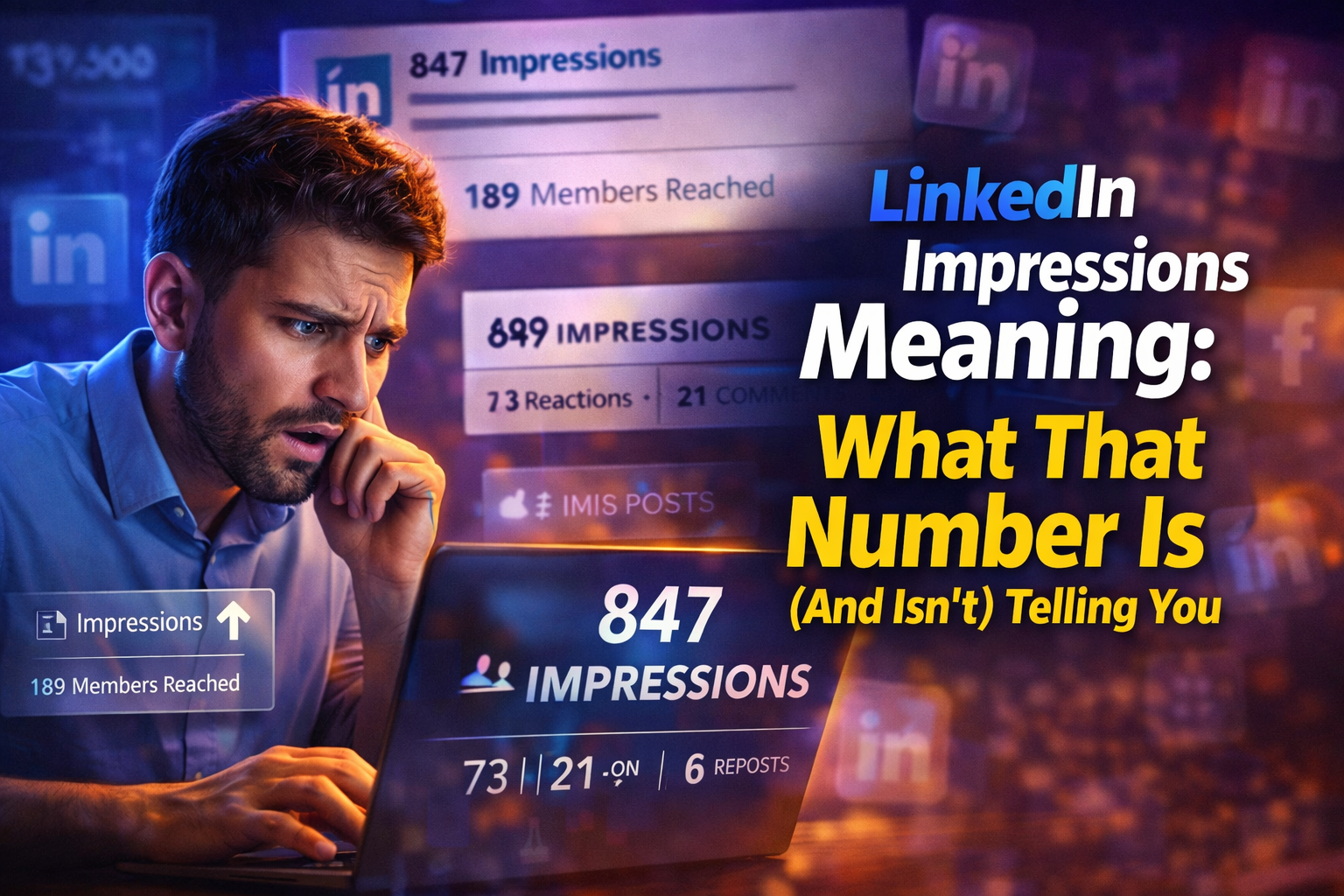
847 impressions. And you just...
…stare at it.
Unsure if that's great, terrible, or somewhere in between.
Unsure whether the number even means what you think it means.
I'm Omar. I've grown my LinkedIn following past 30,000, and I'll be honest, I spent the first six months of my creator journey misreading this exact stat.
Let me save you the confusion and the bad decisions that come from optimizing for the wrong thing.
LinkedIn Post Impressions Meaning: The Actual Definition
LinkedIn post impressions measure the total number of times your post appeared on any screen:
- In someone's feed
- In search results
- Via a share or anywhere else on the platform
The word "appeared" is doing a lot of work in that sentence.
Impressions don't measure clicks, reads, or engagement.
They don't confirm anyone stopped scrolling, instead they track display events.
So every time the post is loaded on a screen, that's one impression.
And critically, one person can generate multiple impressions.
If someone sees your post in the morning feed, scrolls past it in the afternoon, and finds it again through a hashtag that evening, that's three impressions from one person.
This is why your impressions number almost always looks inflated compared to what you'd expect.
You didn't reach 847 unique people but you reached some number smaller than that.
Some of whom saw the post more than once.
LinkedIn Post Impressions vs. Members Reached vs. Views
This is the question Reddit keeps asking and LinkedIn's help docs keep answering badly, so let's just be direct.
Impressions = Total screen appearances of your post, counting every repeat view.
Members Reached = The number of unique LinkedIn accounts that saw your post at least once, regardless of how many times. This is your actual audience size for that post.
Views = LinkedIn uses "views" differently depending on context. For video, a view requires at least a few seconds of watch time.
For standard posts, LinkedIn doesn't use the word "views" in their native analytics. They use impressions and Members Reached. So if you're seeing "views" on a regular post, it's coming from a third-party tool with a slightly different methodology.
The gap between impressions and Members Reached is always significant.
A post with 5,000 impressions might have reached 2,500 unique members, each of whom saw it an average of twice.
That's completely normal, not a sign that anything is broken.
The Reddit thread that consistently ranks for questions about this topic captures the confusion well:
People see impressions at 3–4x their Members Reached and assume LinkedIn is counting wrong.
It's not.
That ratio is expected.
What Does 1,000 Impressions on LinkedIn Mean? Is It Good?
Context is everything here, and most benchmarks floating around are useless because they don't account for follower count.
Here's a more honest framework:
- Under 500 followers: 200–800 impressions per post is a normal range. Consistently hitting your follower count or above means the algorithm is extending your reach beyond your immediate network.
- 500–2,000 followers: 500–2,000 impressions is solid. If you're regularly hitting 2–3x your follower count, your content is getting genuine distribution.
- 2,000–10,000 followers: 1,000–8,000 impressions is the typical range. Posts that significantly outperform this are worth studying. Something about the hook, format, or timing worked differently.
- 10,000+ followers: The range widens dramatically. Consistent posts might land anywhere from 3,000 to 50,000+ impressions. At this scale, individual outliers matter less than your baseline trend over 30–60 days.
What does 500 impressions mean on LinkedIn?
For a new account, it's a reasonable start.
For an established account with 5,000+ followers, it suggests the post underperformed, usually because early engagement was thin.
The truth is impressions tell you about reach, not resonance.
A post with 500 impressions and 40 comments is doing more for your growth than a post with 5,000 impressions and 30 passive likes.
The Metric That Matters More Than Impressions
Impressions are a distribution metric.
- They tell you how many times LinkedIn showed your post.
- They tell you nothing about whether it was worth showing.
Engagement rate is your real signal. Calculate it like this:
(Reactions + Comments + Reposts) ÷ Impressions × 100
Rough 2026 benchmarks:
- Below 1% — The post landed flat, or got shown to the wrong audience
- 1–3% — Average. Nothing broken, nothing exceptional
- 3–6% — Strong. The content genuinely connected
- Above 6% — Excellent. The algorithm will almost certainly extend this post's distribution
OmniCreator's own LinkedIn content runs 9–11% engagement rate against a 2–3% industry average.
That gap isn't because of tricks, it's because posts that sound like real people saying real things generate conversation, and conversation is what LinkedIn's algorithm actually rewards.
Chasing impressions specifically tends to push creators toward sensationalist hooks that get clicks but no comments.
Chasing engagement rate tends to push creators toward content that earns genuine responses.
The second approach compounds over time. The first one plateaus fast.
Why Your Impressions Might Be Lower Than Expected
A few things consistently suppress LinkedIn post impressions:
- Weak engagement in the first 30–60 minutes. There are also a few other specific reasons this happens beyond timing, here's what's actually stopping most LinkedIn posts from getting traction.
- Posting outside your audience's active hours. The general best windows are 7–9 AM and 12–2 PM on weekdays in your target audience's timezone. Posting at 9 PM on a Friday doesn't mean your post fails, it means its opening wave is smaller.
- Posting gaps. Disappear for three weeks, and your first post back typically underperforms while the algorithm re-establishes your pattern. Consistency isn't about posting constantly but it's about posting predictably enough that the algorithm treats you as an active creator.
- Format mismatch. LinkedIn in 2026 rewards content that generates genuine conversation. Long comment threads extend a post's lifespan and reach. Passive reactions (likes without comments) provide weaker distribution signals. If your posts consistently get reactions but not comments, the content might be good, just not provocative enough to make people respond.
How to Increase LinkedIn Impressions That Matter
The playbook is simpler than the LinkedIn coaching industry wants you to believe:
- Write a hook that earns the stop.
LinkedIn truncates posts after 2–3 lines. If your opening doesn't make someone pause mid-scroll, your impressions never get a chance to compound. The first line is almost the whole game. - Reply to every comment early.
A comment from you triggers another notification for the commenter, often pulling them back to respond again. Two-way comment threads are the single most reliable way to extend a post's algorithmic reach beyond its opening wave. - Track what's working, not what you think is working.
I thought I knew my best-performing content for months before looking at the actual numbers. I was wrong about almost every post I thought had "gone well."
Using Analytics Without Losing Your Mind
Two years ago I was making content decisions based entirely on memory and gut feeling.
I remembered the posts I thought performed well, doubled down on those formats, and wondered why my growth kept plateauing.
Then I looked at the data.
The posts I remembered as "viral" had decent reach but zero real engagement.
The posts I barely remembered had generated comments, DMs, and actual business conversations.
OmniCreator's analytics dashboard imports your LinkedIn post history and surfaces patterns you'd never catch manually:
- Which topics generated the most comments
- Which formats drove follower growth
- How posting consistency directly affected your reach week-to-week.
It doesn't overwhelm you with 47 metrics.
It shows you the ones that tell you what to do more of, and what to stop wasting time on.
Pair that with the scheduling calendar for consistency, the Starlog interview feature for content that sounds like you instead of a generic AI, and a community of real LinkedIn users who engage with each other's posts genuinely, and you have the actual system behind growing on LinkedIn without the guru theatrics.
$20 a month. Seven-day free trial, no credit card required.